Back to Blog

How to Sign Up on the SPLITLY Website (Beginner’s Guide)

S
Splitly Team
May 22, 20251 min readarticles

Signing up on the SPLITLY website is the first step to accessing our services. Whether it’s for a TradingView subscription, streaming platforms, or other digital tools, the signup process is quick and beginner-friendly.


In this article, we’ll walk you through how to create an account on www.gosplitly.com step by step.


Step 1: Visit the Website

Open your browser and go to www.gosplitly.com.


Step 2: Click the “Get Started” Button

On the homepage, click the “Get Started” button to begin the registration process.

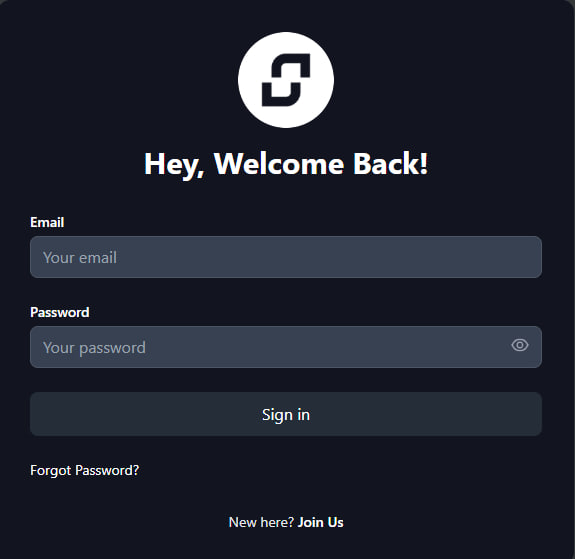
Step 3: Click “New here? Join us”


You’ll see a prompt that says “New here? Join us” — click on it to proceed to the signup form.

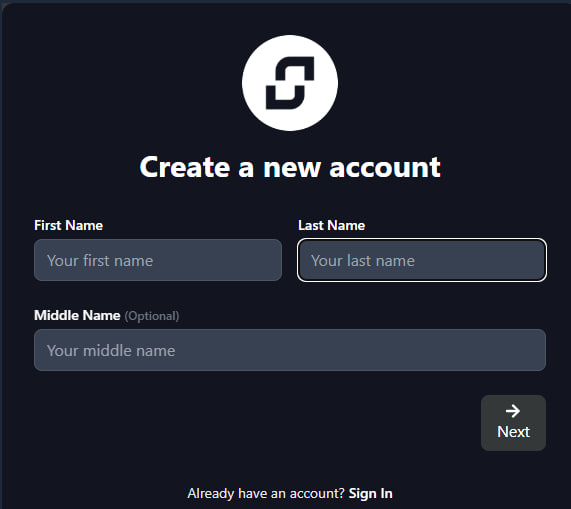
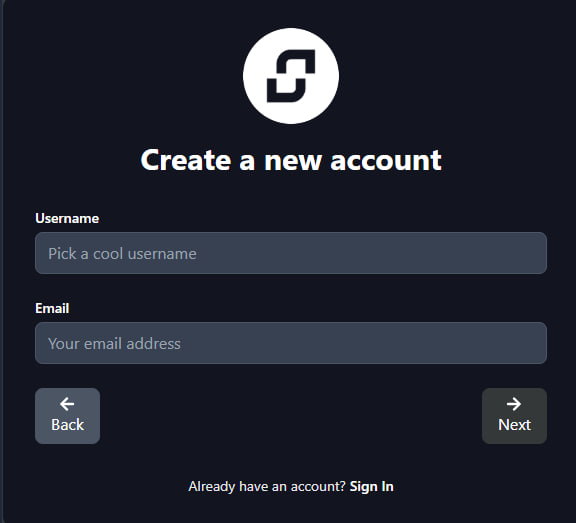
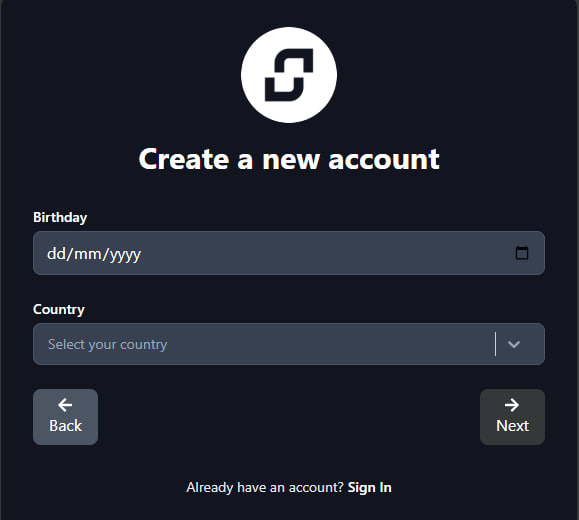
Step 4: Fill in Your Details


You’ll be asked to enter the following:

First Name


Last Name


Middle Name (optional)

Username


Email Address

Birthday


Country

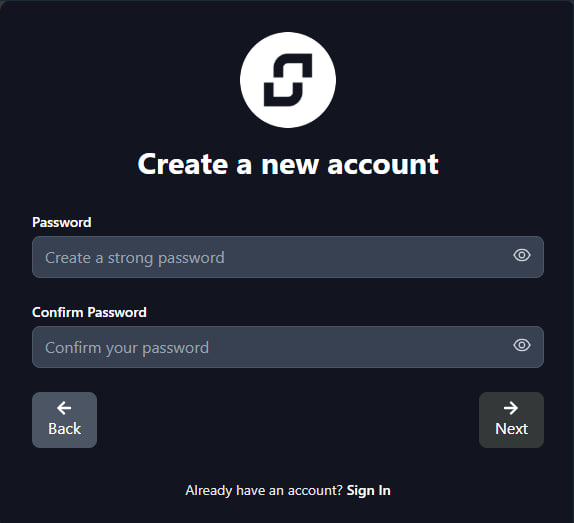
Password

Make sure:


Your email is active (you’ll need to verify it).


Your password is secure (use a mix of letters, numbers, and symbols).


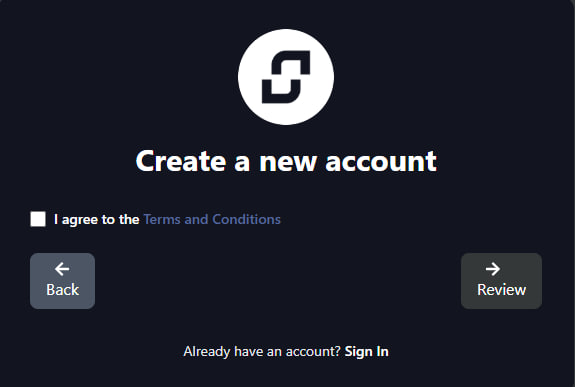
Step 5: Agree to the Terms & Conditions


Tick the checkbox to agree to our Terms & Conditions and Privacy Policy. We recommend skimming through them before proceeding.

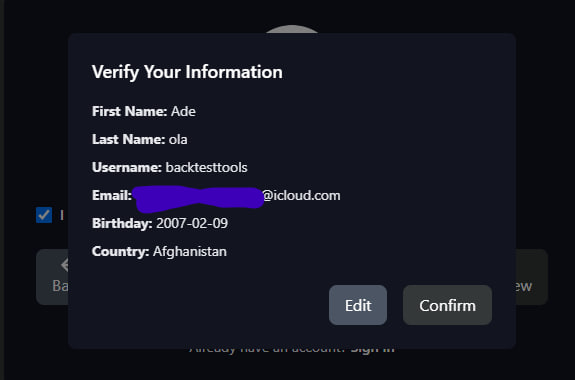
Step 6: Review Your Information


Click the “Review” button to double-check your details. Once everything looks good, click “Confirm” to finalize your signup.

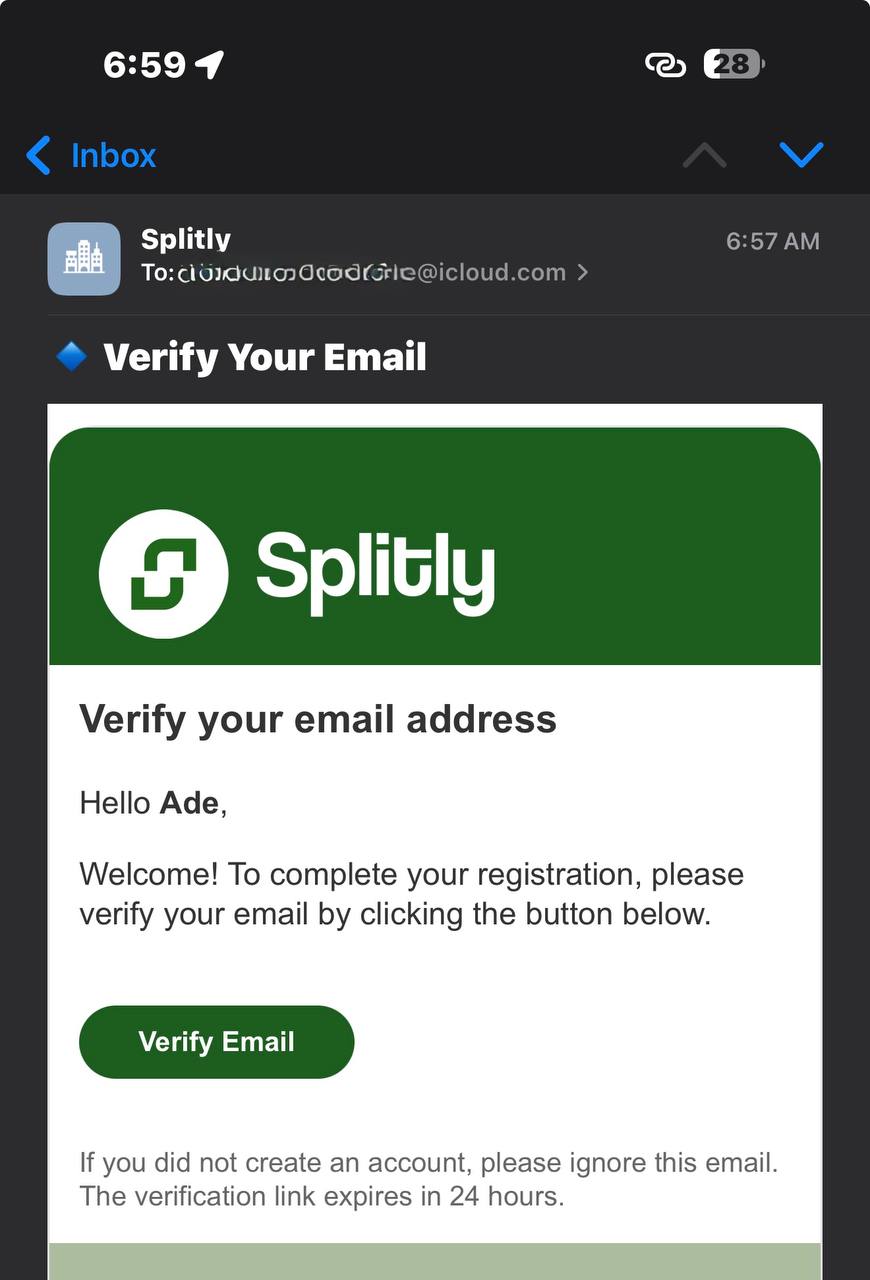
Step 7: Verify Your Email


Check your email inbox for a verification link. Click it to activate your account.


Tip: If you don’t see the email, check your spam folder and mark it as “Not Spam” to ensure you receive future messages.

Step 8: Log In and Explore


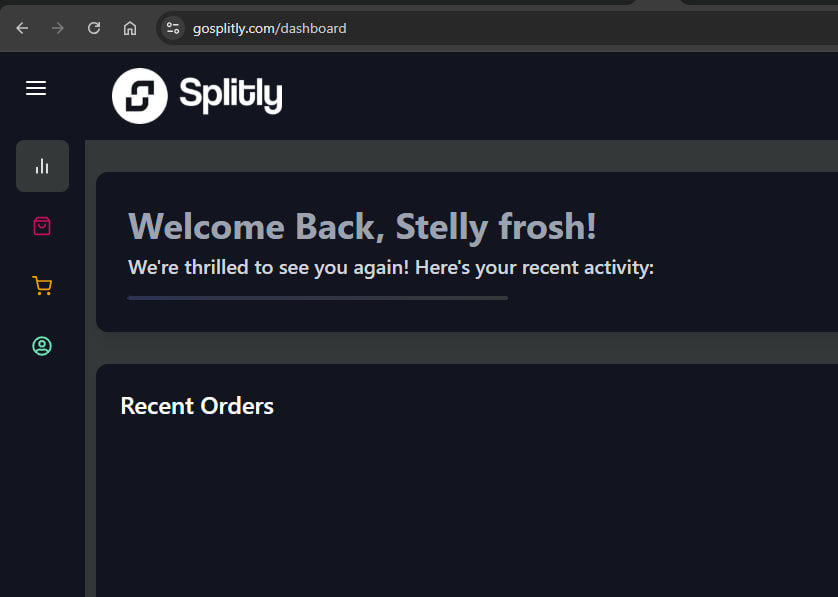
After verifying your email, return to www.gosplitly.com and log in using your email/username and password. You now have full access to all features on your account.

Tips for a Smooth Signup Process


Use a valid and accessible email address.

Choose a strong, memorable password.

Check your spam folder for the verification email.


Complete your profile to avoid delays in accessing services.


Keep reading

You may also like

How to Create a New Layout on TradingView Mobile: Complete Step-by-Step Guidearticles

How to Create a New Layout on TradingView Mobile: Complete Step-by-Step Guide

Creating custom layouts on TradingView mobile is one of the most powerful features for serious traders. Whethe…

May 17, 20263 min read
Celebrate Pamilerin's Birthday Month with a FREE TradingView Account Giveaway!news

Celebrate Pamilerin's Birthday Month with a FREE TradingView Account Giveaway!

Lagos, Nigeria – Get ready to celebrate because it's birthday month for Pamilerin, and they're bringing the gi…

Jun 13, 20251 min read
How to Switch Layouts on TradingView Mobile: A Complete Guidearticles

How to Switch Layouts on TradingView Mobile: A Complete Guide

TradingView's mobile app is a powerhouse for traders on the go, offering sophisticated charting tools and anal…

May 17, 20262 min read