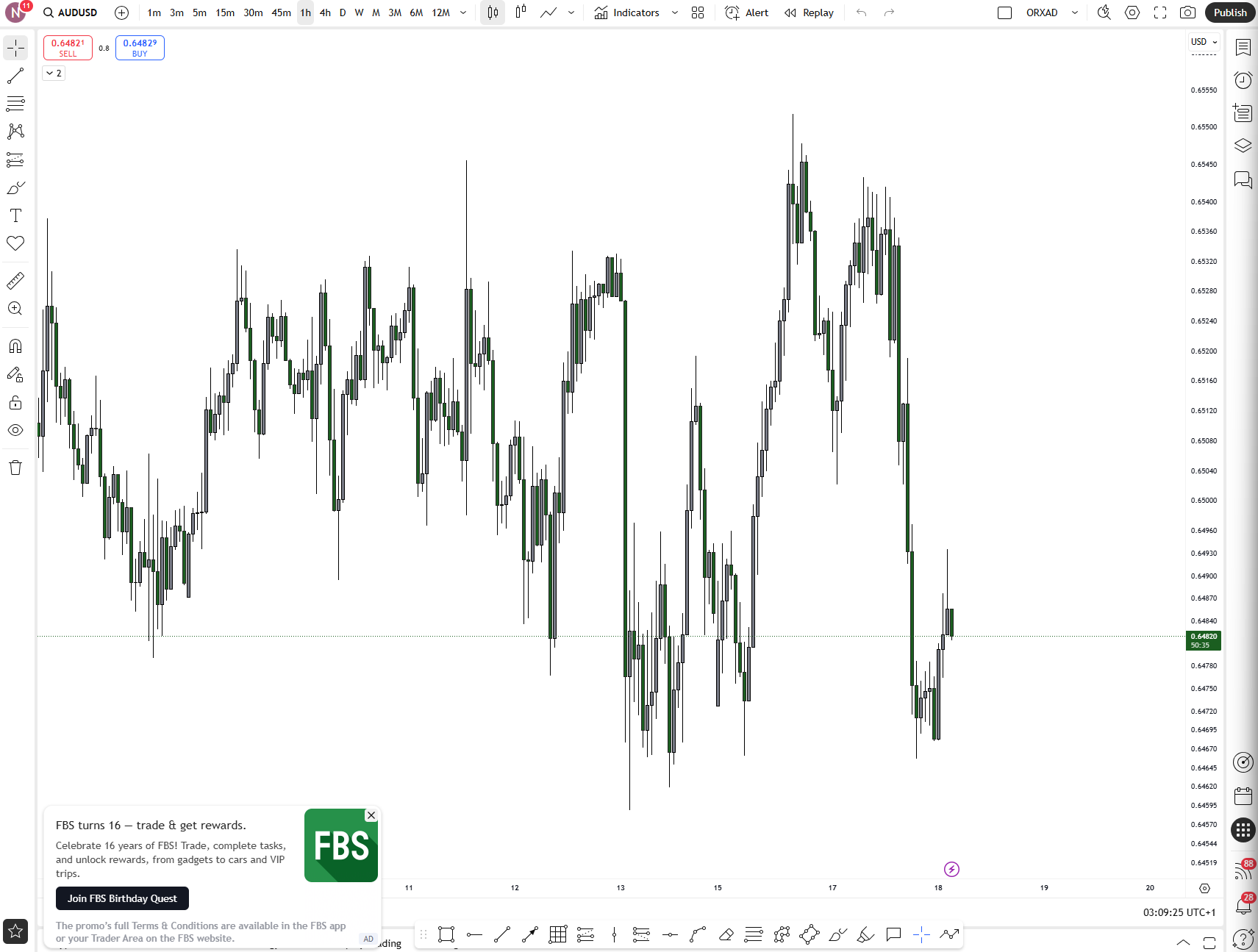
TradingView Desktop vs Web: Which Platform Elevates Your Trading Game?

Whether you're a seasoned trader or just dipping your toes into technical analysis, TradingView is likely on your radar. Known for its sleek interface, powerful charting tools, and vibrant community, TradingView offers two main ways to access its platform: the Desktop Application and the Web Version.
But which one should you use and why? Let’s dive deep into the pros, cons, and unique features of each.
TradingView Desktop Application: Power Meets Precision
The TradingView Desktop App is a downloadable version of the platform available for Windows, macOS, and Linux. It’s designed to offer a more focused, high-performance experience tailored to active traders.
🔧 Key Features:
- Native Multi-Monitor Support: Seamlessly set up and restore layouts across multiple screens without browser limitations.
- Symbol Syncing Between Tabs: Change a symbol in one tab, and it updates across all synced tabs perfect for multi-angle analysis.
- Synchronized Crosshairs: Crosshairs move in tandem across charts, making comparative analysis smoother.
- No Browser Clutter: Say goodbye to losing charts among YouTube and email tabs. The desktop app keeps your workspace clean and focused.
Advantages:
- Faster performance and reduced lag
- Better resource management for heavy charting
- Distraction-free environment
- Ideal for futures and day traders who need precision and speed
Limitations:
- Requires installation
- Slightly less flexible for quick access across devices
TradingView Web Platform: Flexibility on the Fly
The Web Version of TradingView is browser-based and accessible from any device with internet access. It’s perfect for traders who value mobility and convenience.
Key Features:
- Cloud-Based Syncing: Your layouts, watchlists, and settings are saved to the cloud—accessible from anywhere.
- No Installation Needed: Just open your browser and start trading.
- Cross-Platform Compatibility: Works on desktops, tablets, and smartphones.
Advantages:
- Instant access from any device
- Automatic updates no downloads required
- Great for casual or mobile traders
Limitations:
- Browser tabs can get cluttered
- Performance may suffer with multiple charts and data streams
- Less optimized for multi-monitor setups
Which One Should You Use?
Use the Desktop App if:
- You trade actively and need speed, precision, and multi-monitor setups
- You want a dedicated workspace without browser distractions
- You’re running complex indicators or multiple chart layouts
Use the Web Platform if:
- You trade casually or on the go
- You value flexibility and device independence
- You prefer not to install software
Final Thoughts
TradingView has done a stellar job ensuring both platforms offer a consistent user experience. The Desktop App is a powerhouse for serious traders, while the Web Version is a versatile tool for those who prioritize convenience.
Ultimately, the best choice depends on your trading style, device setup, and workflow preferences. And the good news? You can switch between both seamlessly your data and settings stay synced across platforms.