If you’ve ever wanted access to TradingView’s premium features but couldn’t justify the full subscription price, there’s good news: co-sponsoring, or sharing an account with a trusted partner, is a growing workaround that allows traders to access pro-level tools without bearing the full cost alone.
In this article, we’ll cover how TradingView account sharing works, the most common concerns, and tips to do it securely and effectively.
Why Consider Co-Sponsoring a TradingView Account?
TradingView’s premium plans can be costly, especially for traders who are just starting out or are testing new strategies. By partnering with a like-minded trader, you can:
• Split the cost of a premium subscription
• Access advanced tools, indicators, and layouts
• Learn from each other while keeping your trading data separate
This is an especially useful option for friends, community members, or group traders who trust each other and want to reduce individual expenses.
How Co-Sponsoring Works
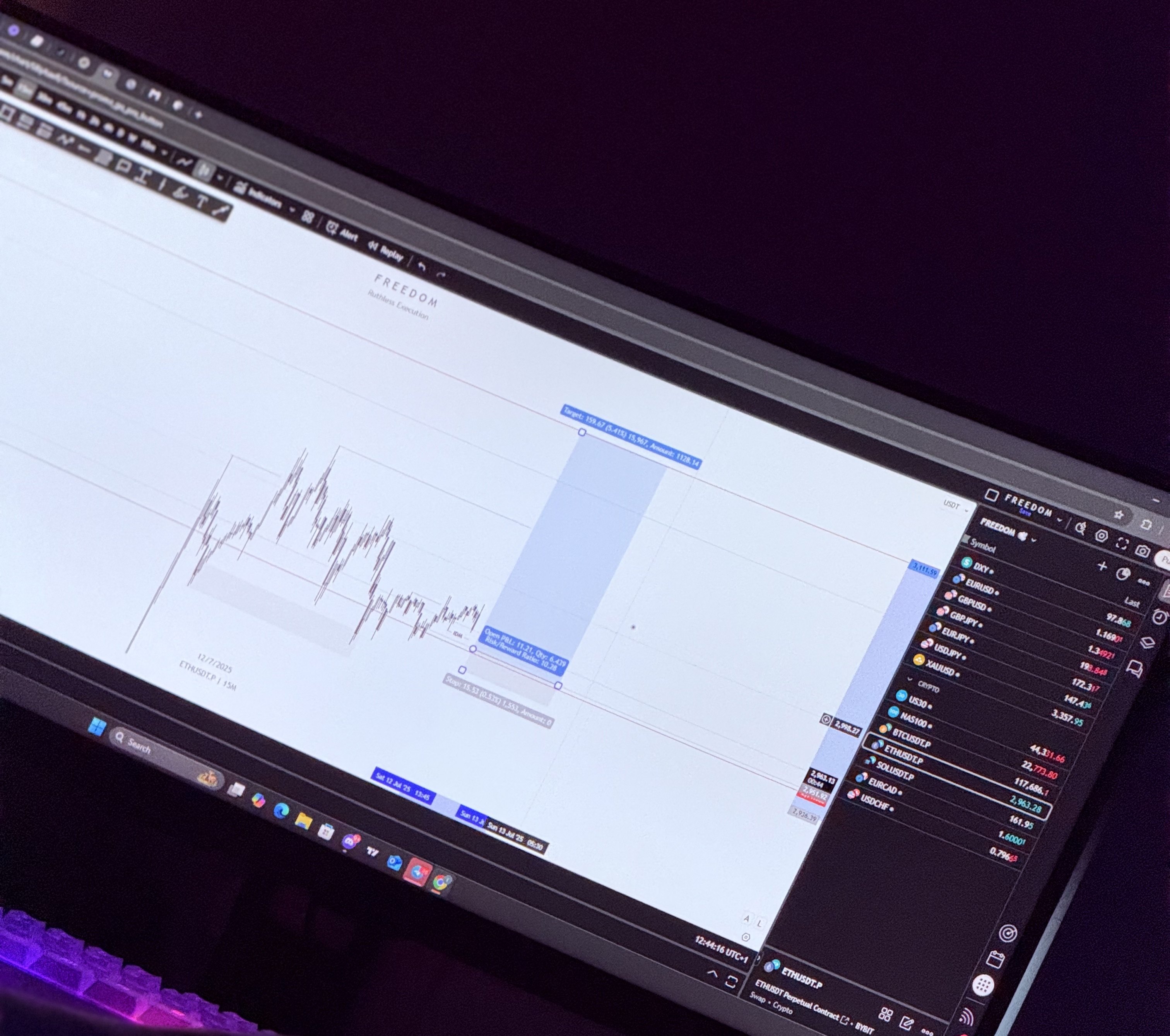
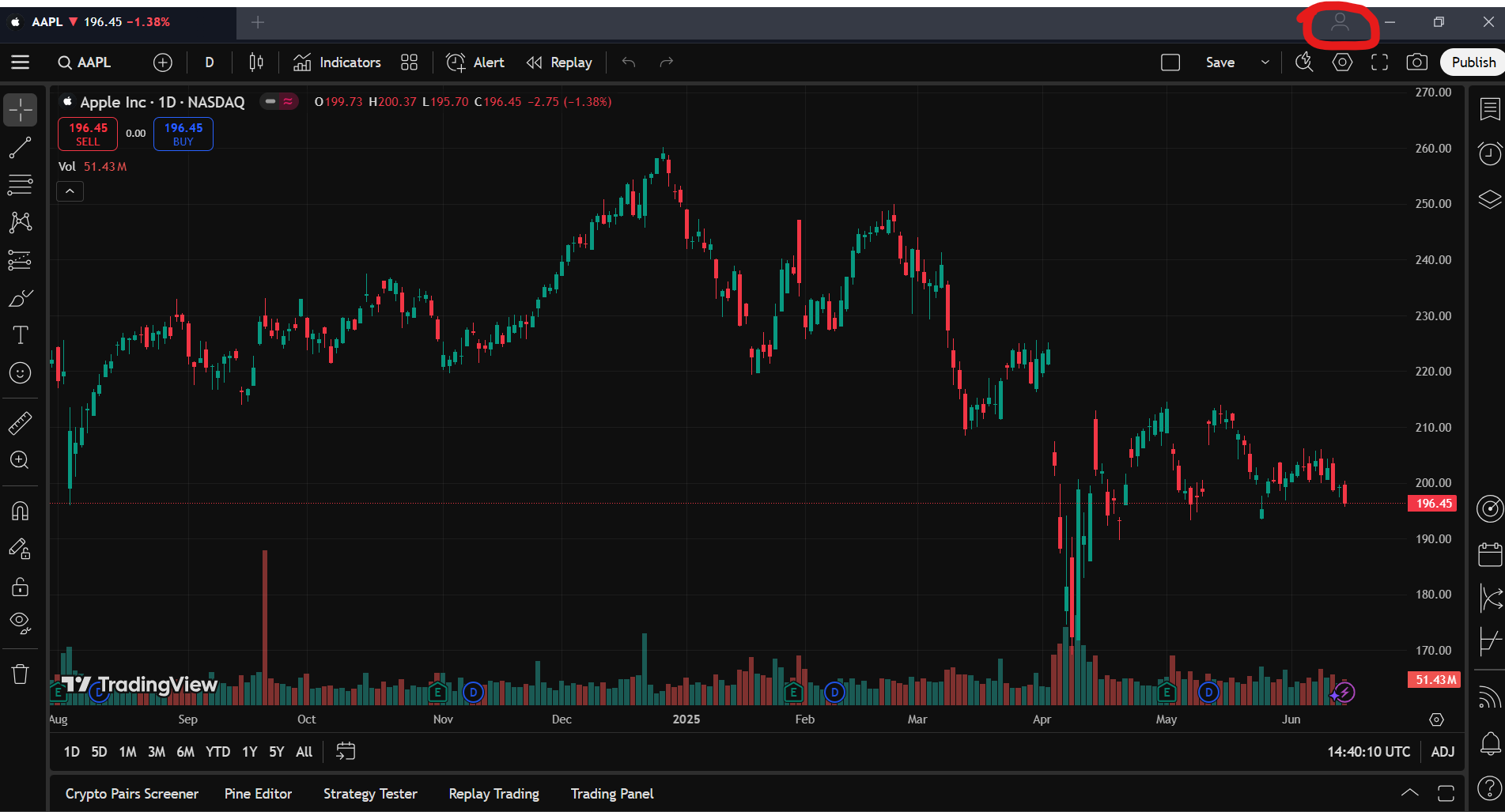
Co-sponsoring simply means two users share access to a single TradingView account. Thanks to TradingView’s device compatibility and separate layout support, it’s surprisingly easy to manage this setup without interfering with one another.
Whether you’re using the desktop, browser, or mobile app, there are effective ways to log in simultaneously without compromising your charts or tools.
FAQs: TradingView Account Sharing
1. Will my analysis mix with the other person’s charts or layouts?
No. TradingView supports different chart layouts for each user. As long as you each create and save your own layout, your indicators, drawings, and chart setups remain completely separate.
2. Can two people use the account at the same time on desktop?
Yes. One person can log in via the desktop app, and the other can use a web browser—both can access the account simultaneously without disruptions.
3. Can two people use the account simultaneously on mobile?
Yes. TradingView’s mobile app supports up to 5 devices at the same time. Unlike browser-based logins, the mobile app doesn’t rely on cookies, so users can stay logged in without affecting each other.
Final Thoughts
Co-sponsoring a TradingView account is a smart and efficient way to gain access to premium tools without breaking the bank. With careful planning and open communication, you can share the cost while preserving a seamless trading experience.
Spread the Word!
If this sounds like something you’d consider or already do share this article with your fellow traders. Let’s help more people get access to the tools they need to succeed in the markets.